
Context
ROLE
Worked for
Scalapay
Year
2023
Late 2022, in the middle of my Master's at Talent Garden, Scalapay and TAG organized a 72-hour design sprint in Milan. The challenge: rethink how people use "buy now, pay later" services in physical stores.
I was part of a 7-person multidisciplinary team. I wasn't the oldest or most senior, but I pushed to take ownership of the UX and UI direction. It meant a lot of mediating — balancing strong opinions, navigating team dynamics, keeping us focused when the clock was ticking.
At the time, Scalapay was huge online but almost invisible in brick-and-mortar retail. We had three days to bridge that gap. From shadowing real transactions in Milan shops to designing high-fidelity prototypes with micro-interactions, the sprint was intense, chaotic, and one of the most formative experiences of my Master's.
Scalapay In-Store was the result — a redesigned checkout flow that turned installment payments into a simple, fast, almost invisible gesture. No tablets. No awkward waits. Just a QR sticker and two taps.
challenge
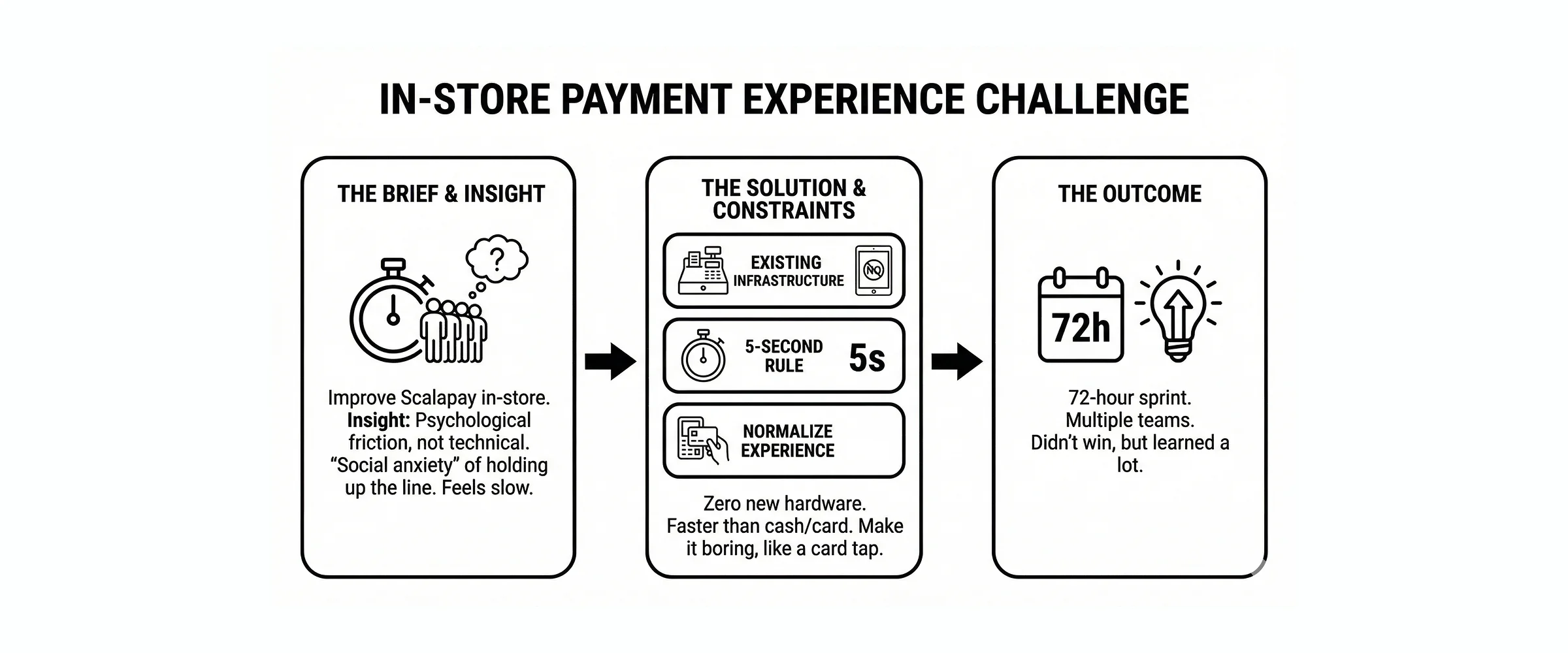
The brief was deceptively simple: "Improve the in-store payment experience for Scalapay."
But as soon as we hit the streets of Milan to observe real transactions, we realized the problem wasn't technical — it was psychological.
Using Scalapay in a shop felt slow. Worse, it felt loud. Users reported a kind of social anxiety: the fear of holding up the line while fumbling with an app to approve a loan. On the other side of the counter, cashiers were just as frustrated. For them, Scalapay was a "technical chore" that broke their rhythm.
The solution needed to:
Work with existing infrastructure — no new tablets, no extra cables
Feel faster than pulling out a wallet — the 5-second rule
Normalize the experience — turn an "installment request" into a simple gesture, like tapping a card
Kill the social friction — no more "did it go through?" awkwardness
We defined our own constraints for the sprint:
Zero new hardware — merchants won't adopt something that adds clutter to their counter
The 5-second initiation rule — payment start has to be faster than cash or card
Normalization over novelty — make it boring, not fancy
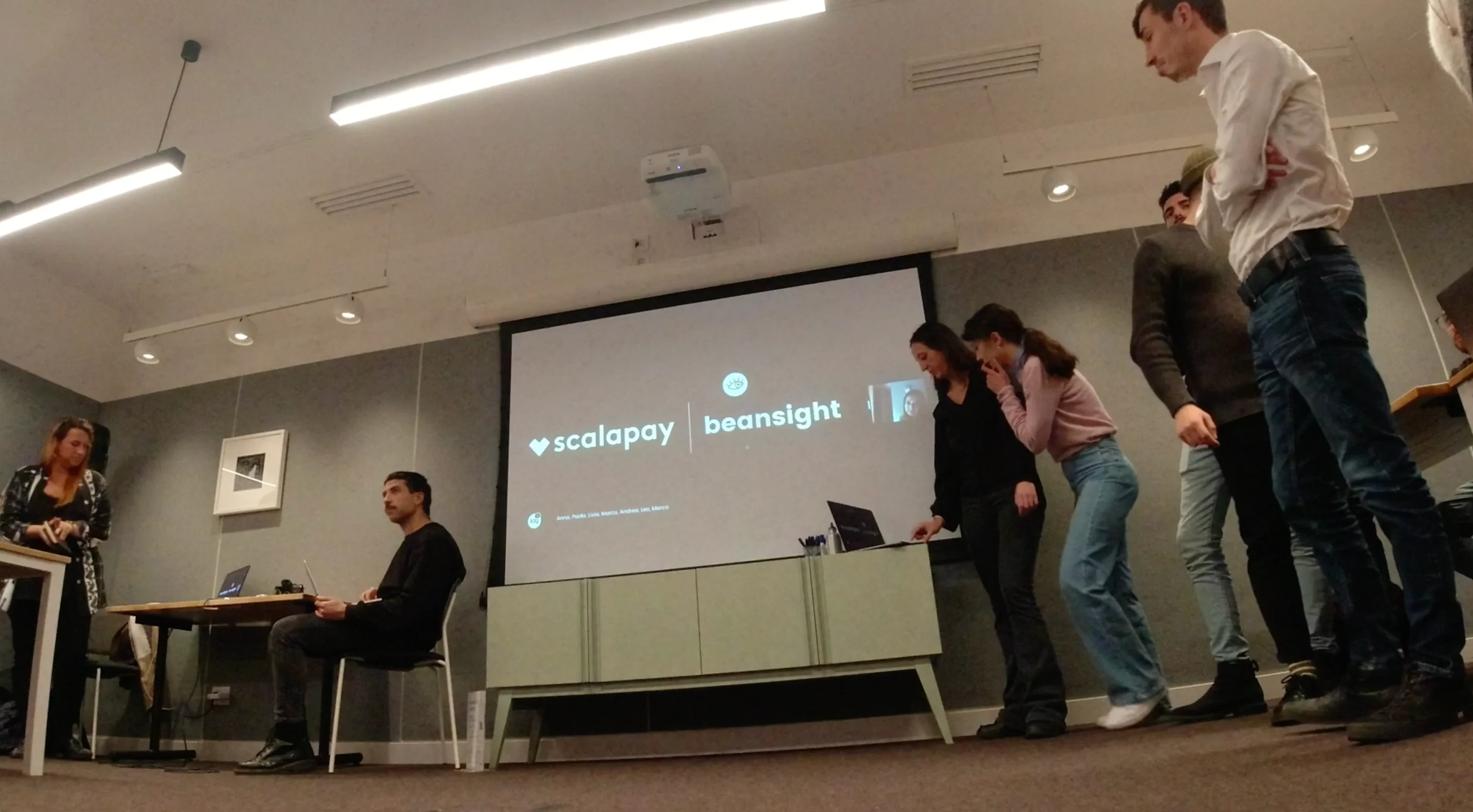
We had 72 hours. Multiple teams were competing. We didn't win, but we learned a lot.
process
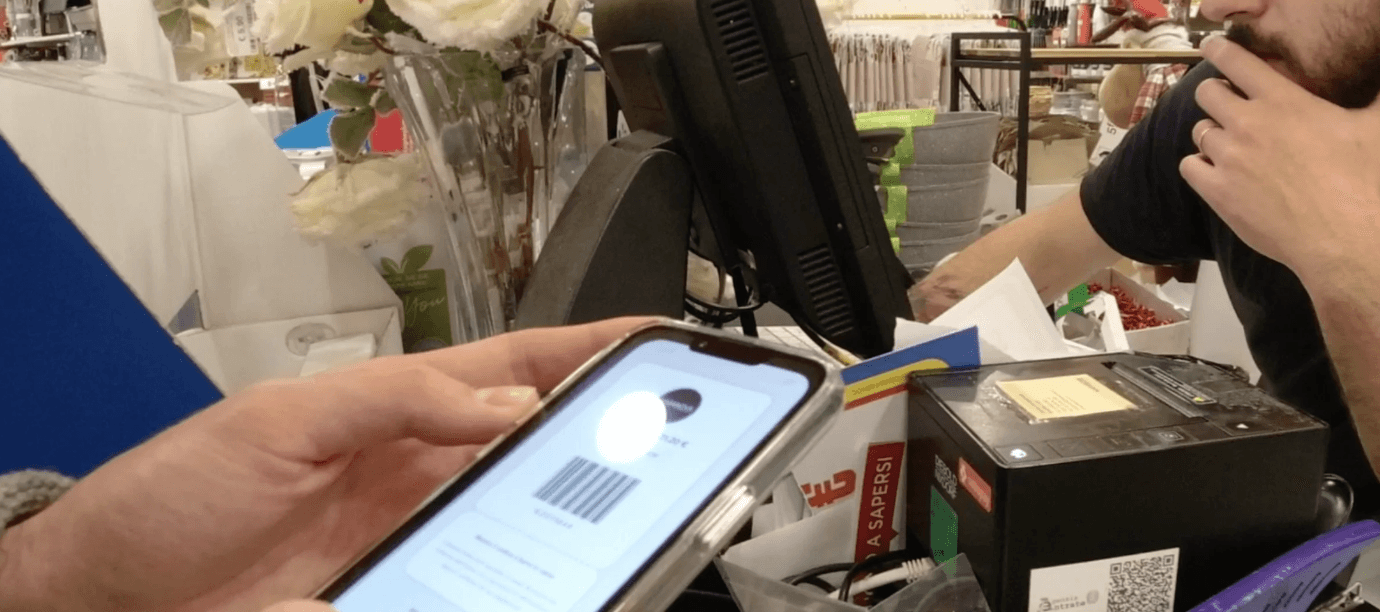
We spent the first 24 hours just observing. We went to retail shops across Milan, watched real Scalapay transactions, interviewed cashiers (the true gatekeepers), and mapped the entire flow from "I want to pay" to "transaction complete."
The bottleneck was clear: the "handshake" between the store's POS system and the user's phone was clunky. Too many steps. Too much room for confusion.
Once we identified the friction, the design phase became an exercise in radical simplification. We didn't want a "banking app" feel. We wanted a payment utility — something that disappears into the background.
I took the lead on UI and micro-interactions. We went straight from quick wireframes to high-fidelity prototypes in Figma. The goal was to simulate real-time feedback loops — loading states, confirmations, error handling — so stakeholders could feel the experience, not just see static screens.
I also handled the animations in After Effects to show how the "success state" would work in motion — oversized, haptic-heavy, visible from across the counter so there's no ambiguity about whether the payment went through.
Team dynamics: I wasn't the official lead, but I coordinated the design direction. That meant a lot of mediating between different perspectives, keeping us aligned on the core insight, and making sure we didn't over-complicate the solution. It was my first real lesson in design leadership without authority — learning to influence through clarity and conviction, not hierarchy.
Tools: Figma for prototyping, After Effects for micro-interaction demos, a lot of whiteboard brainstorming.
Timeline: 72 hours from brief to final presentation.
Key decisions
Killing the "Tablet Dream"
Every other team was designing fancy merchant-facing dashboards on dedicated tablets. Beautiful interfaces. Custom hardware. The works.
I pushed our team to kill that idea immediately.
A designer knows that friction isn't just in the software — it's in the logistics. Adding a device to a crowded counter is a non-starter. Merchants won't adopt it. It adds cost, setup time, maintenance, training.
We decided to stick with what merchants already have: their existing POS system and the customer's smartphone. Period.
This constraint forced us to be smarter. If we couldn't add hardware, we had to make the software invisible.
The Static-Dynamic QR Hybrid
This was our breakthrough.
Satispay (the main competitor at the time) required users to search for the shop in-app or scan a QR code and then manually type in the amount. Clunky. Error-prone. Slow.
We proposed a "State-Aware" QR code. A permanent, high-visibility sticker placed on the merchant's counter. It's static (cheap, zero maintenance), but the system makes it dynamic.
Here's how it works:
Cashier rings up the order and hits "Pay with Scalapay" on their POS
That specific QR code becomes "active" for that exact transaction amount
Customer scans the sticker with the Scalapay app
One tap to confirm. Done.
One scan. One tap. No typing. No searching. No confusion about whether you're paying the right merchant.
The beauty of this solution: extreme scalability. You could roll it out to 1,000 shops in a week just by mailing stickers. No installation. No training. Just peel and stick.
Micro-Feedback as Reassurance
We spent hours designing the "success" state.
In an in-store environment, confirmation needs to be loud and clear — visually. No subtle checkmarks. No ambiguous loading spinners.
I designed an oversized, haptic-heavy confirmation screen that the user could literally show to the cashier from two meters away. Big green checkmark. Clear text: "Payment complete." Strong haptic feedback.
This killed the awkward "Did it go through?" moment. The customer knows. The cashier knows. Everyone moves on.
Outcome
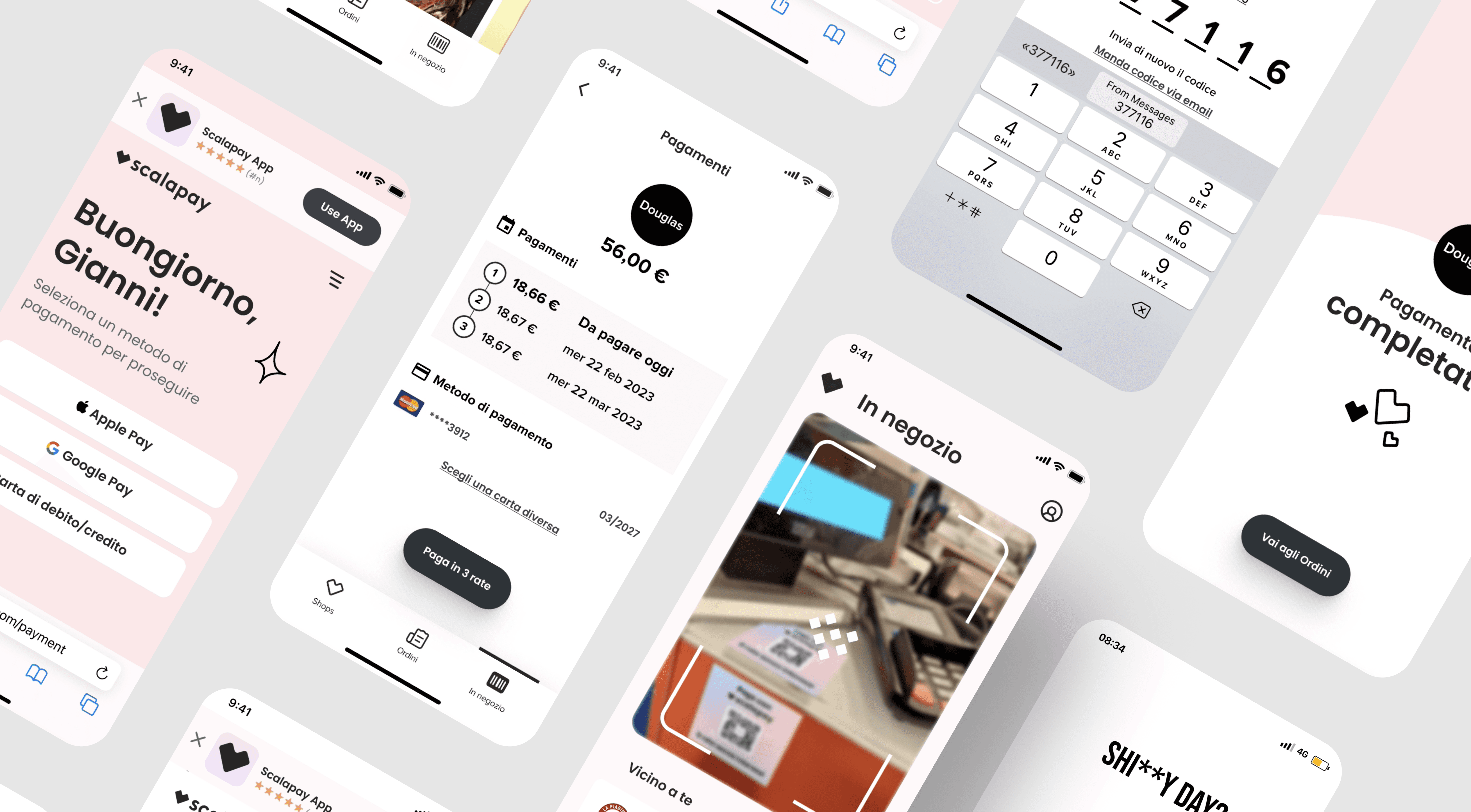
The final solution was a streamlined, two-step checkout that felt less like a financial transaction and more like a digital handshake.
Core features:
Static QR sticker on merchant counters (permanent, no tech required)
State-aware activation — the QR becomes "live" only when the cashier initiates payment
One scan, one tap — no manual input, no searching
Oversized success state — visual confirmation visible across the counter
The outcome: We presented to Scalapay stakeholders and the Talent Garden board. The "sticker" idea was praised for its scalability and simplicity. We didn't win the sprint, and as far as I know, Scalapay didn't implement our solution (or anyone else's).
But that wasn't the point.
What I learned: This project taught me how to design under pressure with people who think differently than I do. I wasn't the most senior person in the room, but I learned to lead through clarity — owning the UX/UI direction, mediating between conflicting ideas, and keeping the team focused on solving the human problem, not just making pretty screens.
Honest reflection: Looking at it now with more experience, I see the "student" in the work. Some margins are inconsistent. The design system could've been tighter. The animations were a bit over-eager.
But the core logic? That Static-Dynamic QR insight is still how the best payment systems work today. Simple, scalable, invisible.